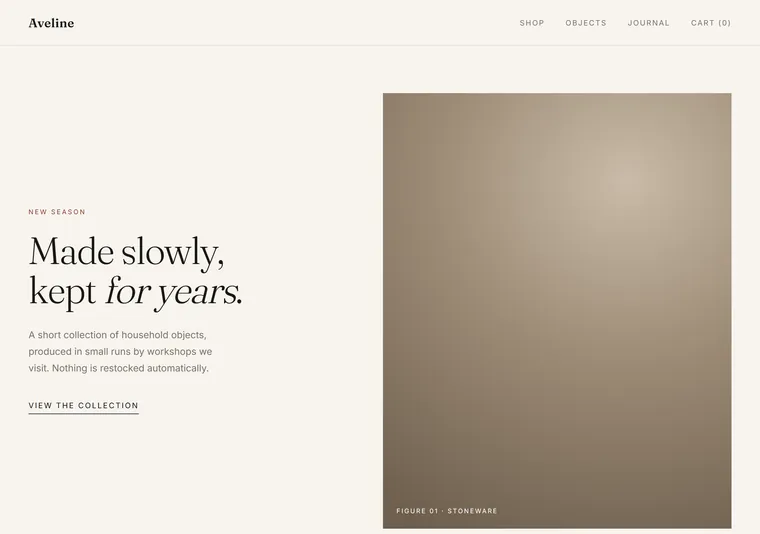
Editorial luxe
Serif display, deep margins and one very large photograph. For a brand whose price is justified by restraint.
Design range
Fifty directions across ten kinds of website, built to show range rather than to sell a look. If you have only seen the selected work, it would be fair to assume one house style. There isn't one — the style should come from your business, not from me.
Every page in this section is a design demonstration, not a working product or client project. The businesses, people and data shown are fictional.
The same job — sell something — read five ways: restrained, loud, calm, crowded and technical.
These are designs, not working software. See a prototype you can actually click →
Editorial luxe
Serif display, deep margins and one very large photograph. For a brand whose price is justified by restraint.
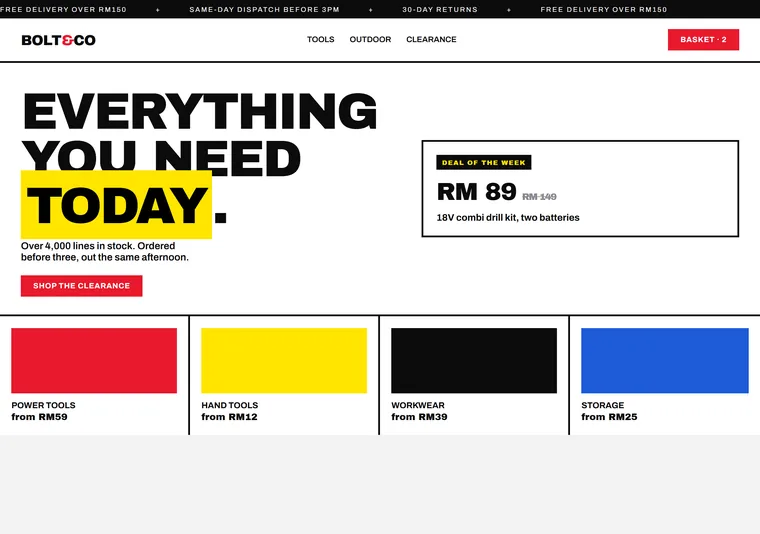
High-street bold
Heavy display type, hard edges and a running offer strip. Built to shout price and move stock.
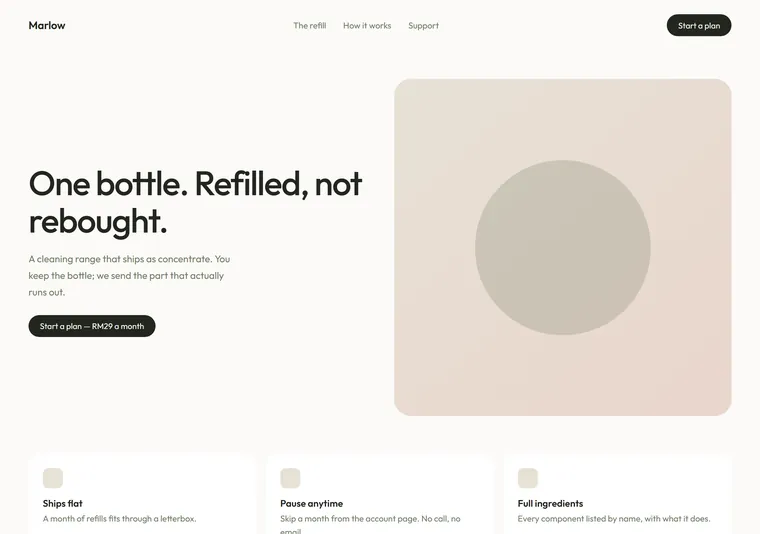
Quiet DTC
Soft neutrals, rounded forms and short sentences. For a single product line that wants to feel calm and modern.
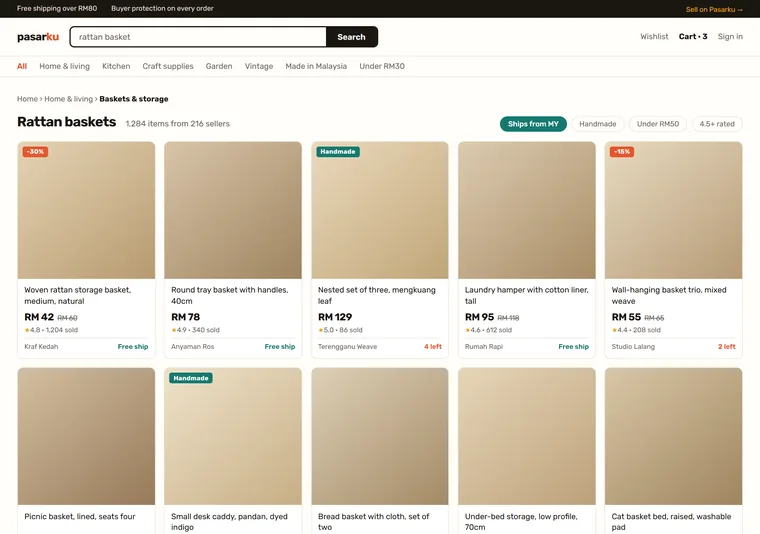
Marketplace
Many sellers, one checkout: a dense grid with ratings, stock counts and shipping on every card. For a shop that is really a platform.
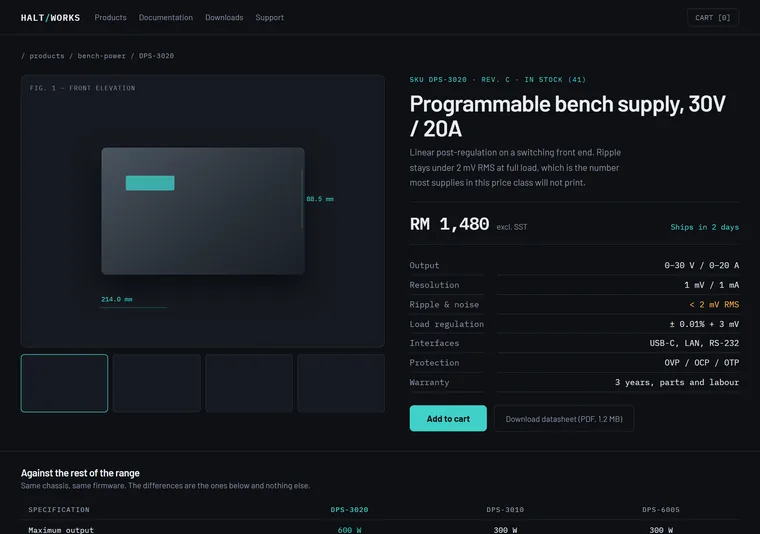
Spec sheet
Numbers, tolerances and a comparison table on a dark ground. For a product bought on what it does, not on how it feels.
One company, pitched at five readers: a cautious buyer, a curious one, one already sold, a citizen who just wants the form, and a neighbour deciding whether to phone.
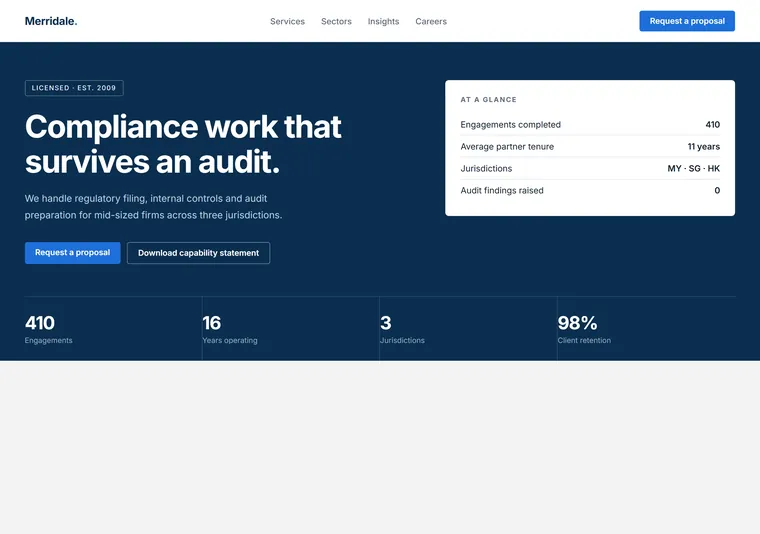
Corporate trust
Structured grid, credentials in the first screen, numbers over adjectives. For a firm whose buyer is cautious.
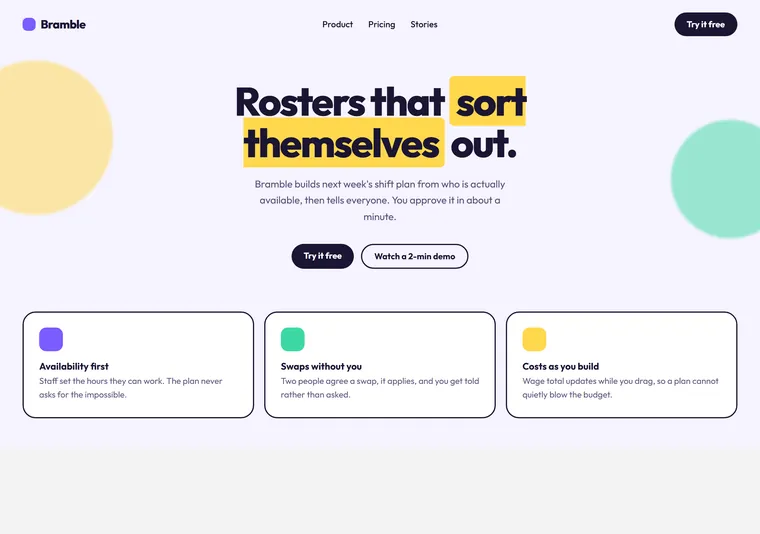
Playful startup
Rounded shapes, saturated pairing and a friendly voice. For a young product that wants to feel approachable.
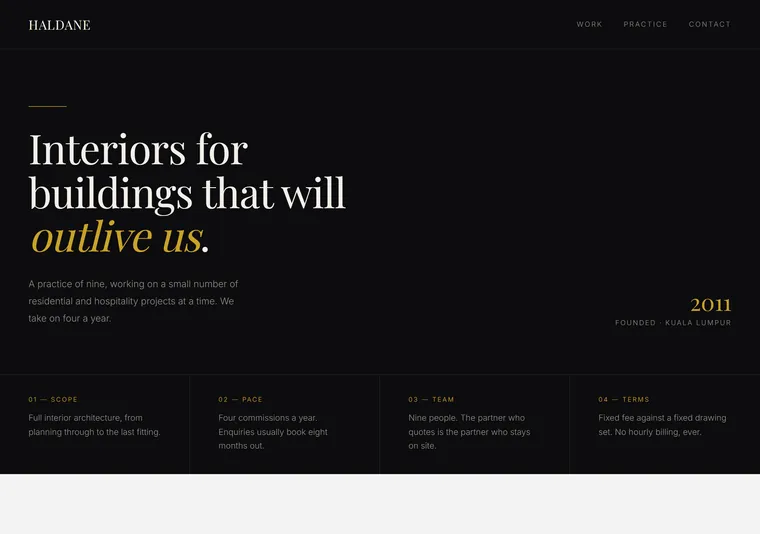
Dark premium
Near-black ground, one warm metallic, and a lot of held-back space. For a studio that charges by reputation.
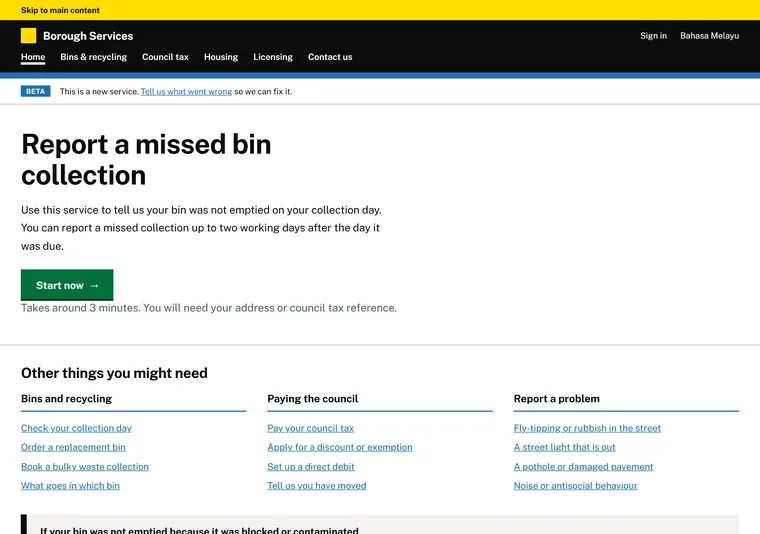
Public service
Black on white, plain language and tasks instead of marketing. For an organisation where being understood matters more than being liked.
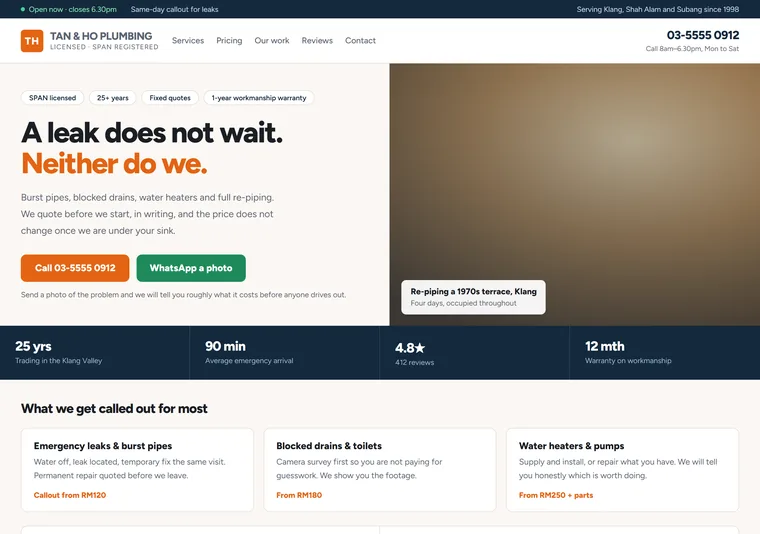
Neighbourhood trade
Phone number above the fold, hours, service area and real photographs. For a local business whose visitor is deciding whether to call.
Five ways to make the work the subject: shout it, frame it, list it, pin it up, or file it.
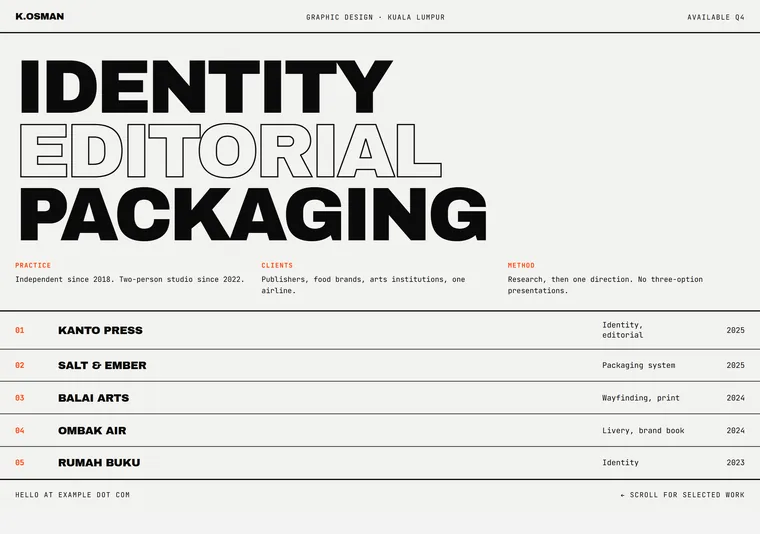
Brutalist type
Type at the size of a poster, hard rules and no decoration. The work is the only image.
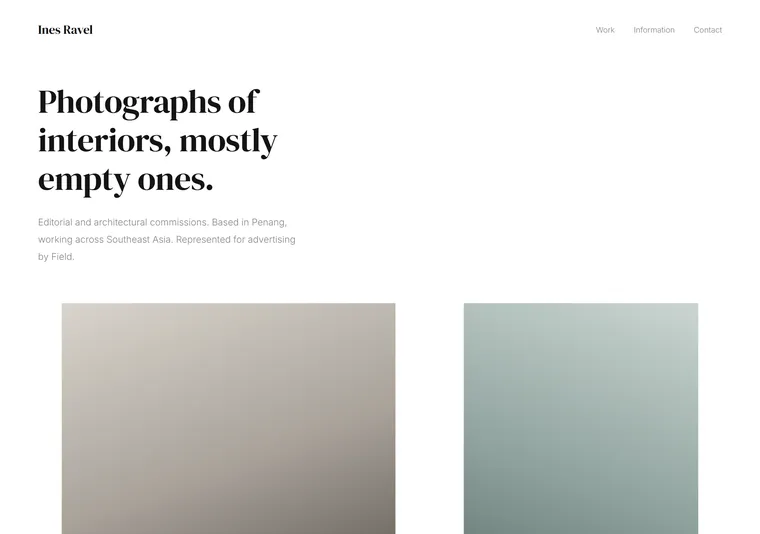
Quiet gallery
Serif, wide margins and images given room. The layout gets out of the way of the pictures.
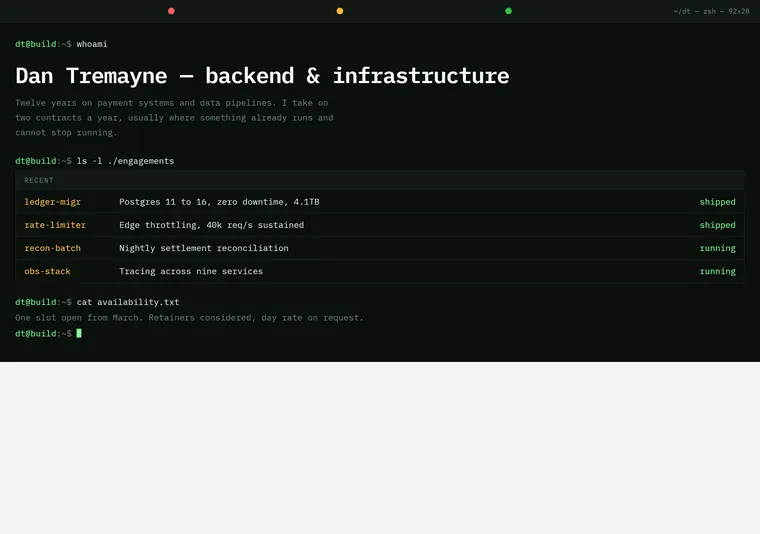
Terminal
Monospace, dark ground and a prompt. For engineers who would rather read output than marketing.
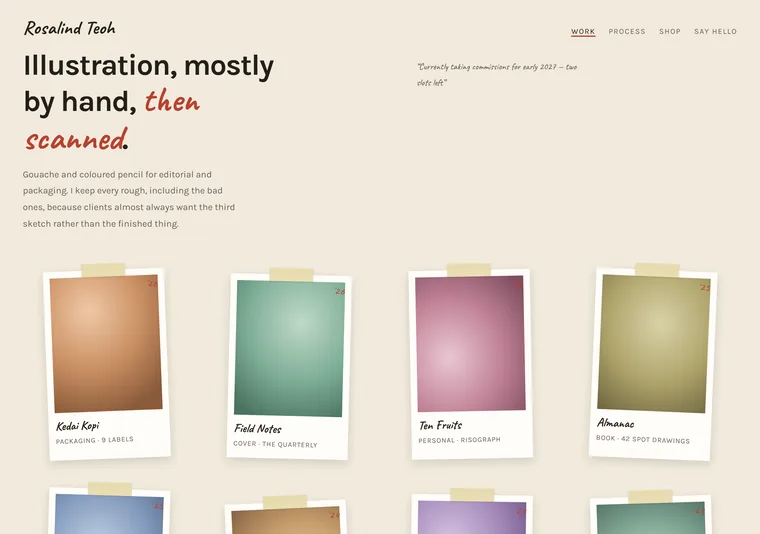
Scrapbook
Tilted prints, tape and a handwritten margin. For someone whose work is warm and whose process is the point.
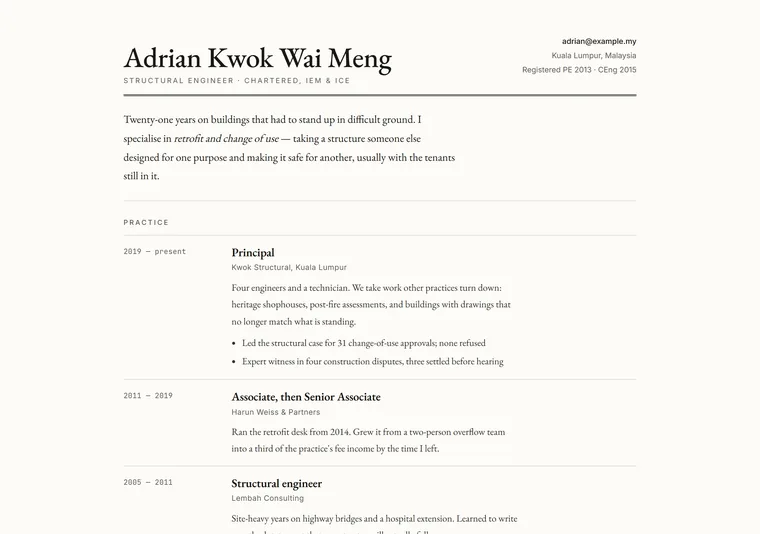
Career document
A letterhead, a ruled timeline and dates in the margin. For a career where the chronology is the credential.
Five answers to the only question that matters here — how does this piece want to be read?
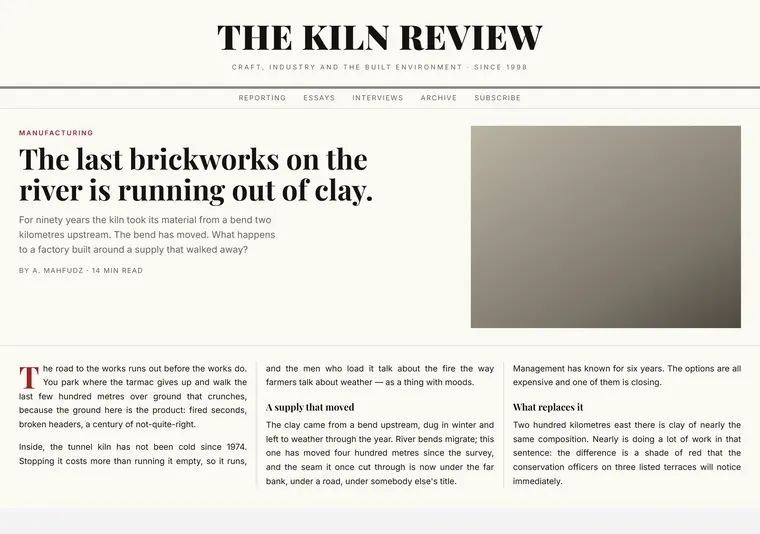
Broadsheet
Multi-column, hairline rules and a drop cap. Reads like a newspaper because that is what it is for.
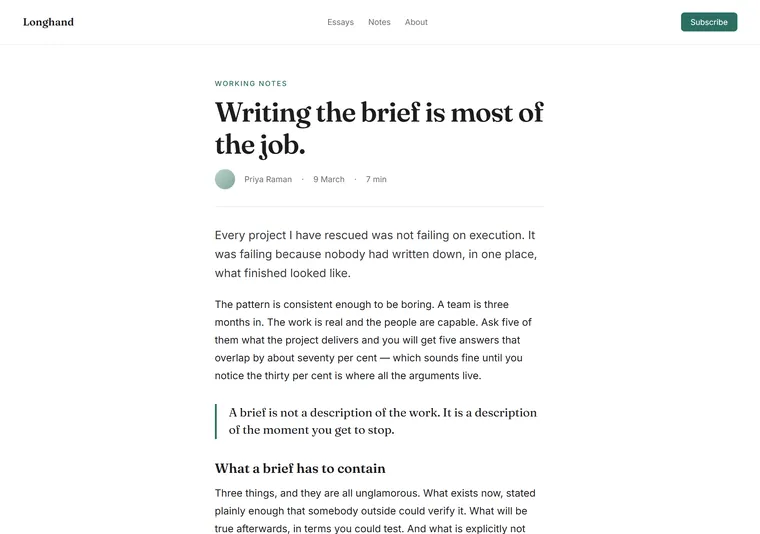
Clean reader
One column, generous measure, almost no furniture. Everything serves the paragraph.
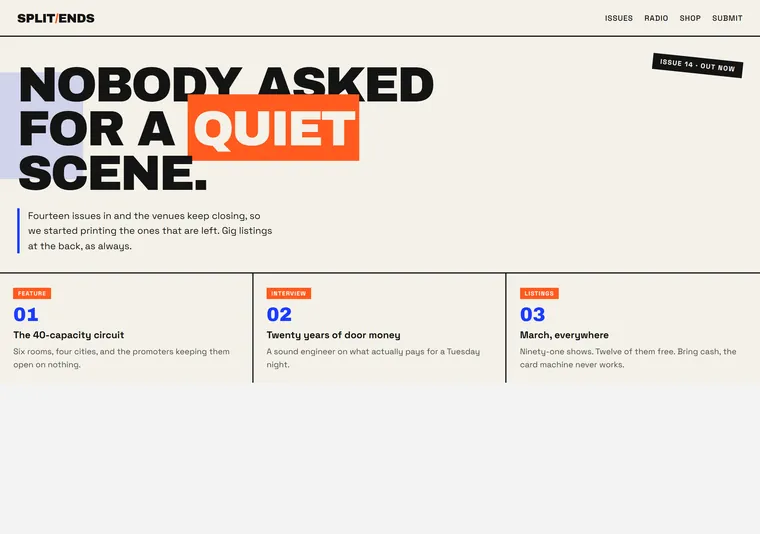
Zine
Overlapping blocks, two loud inks and tilted labels. Loose on purpose, still readable.
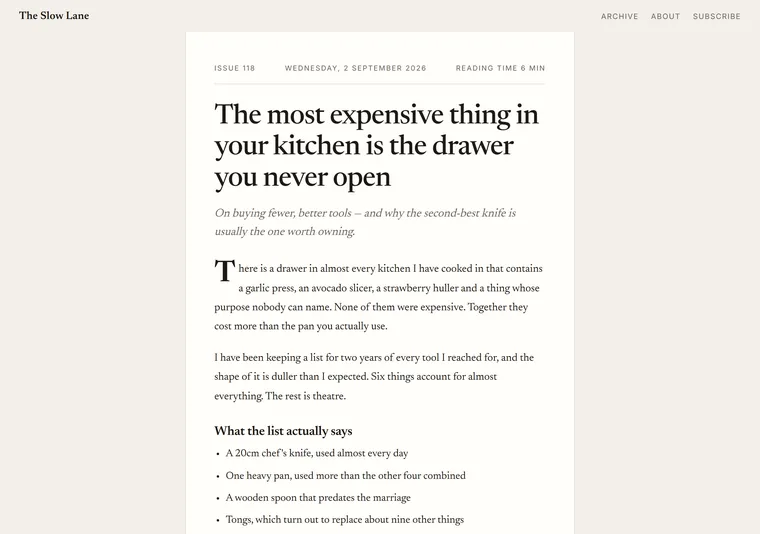
Newsletter
A numbered issue in a narrow column, with the subscribe box treated as the main event. For writing that lives in inboxes first and on the web second.
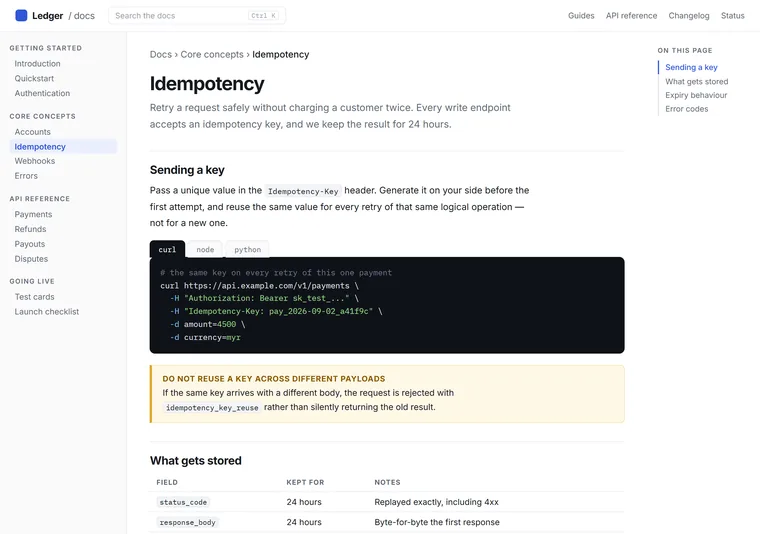
Documentation
Sidebar, breadcrumb, code blocks and an on-this-page rail. For writing that is searched and scanned rather than read start to finish.
Five different readers hide behind one word: a student mid-course, a parent choosing a school, a career-changer, a seven-year-old, and a parent comparing three tuition centres.
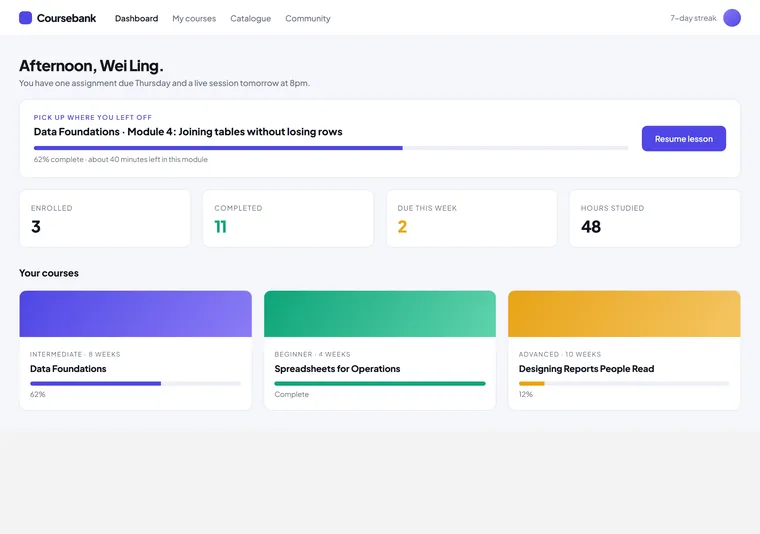
Course dashboard
The signed-in view: progress bars, a resume card and what is due next. For a platform whose job starts after the sale.
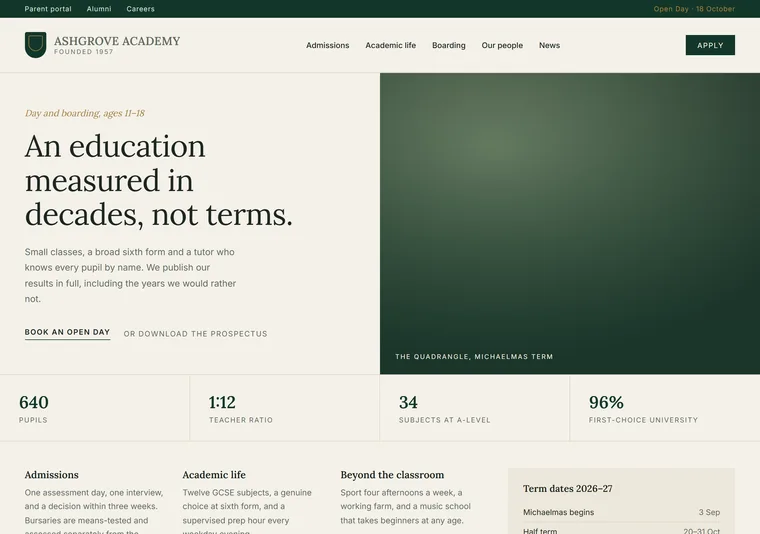
Institution
Crest, term dates and a prospectus. For a school or college where parents are the reader and permanence is the message.
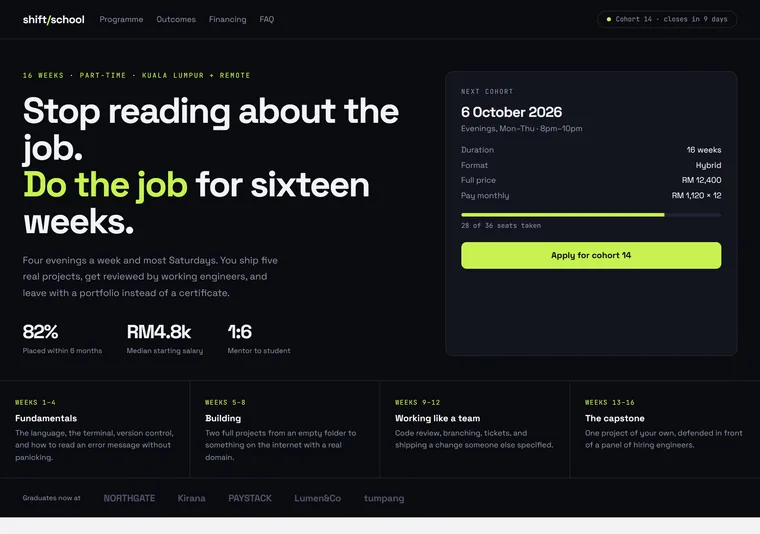
Bootcamp
Cohort dates, seats left and outcome numbers on a dark ground. Built to convert a career-changer who is already half-decided.
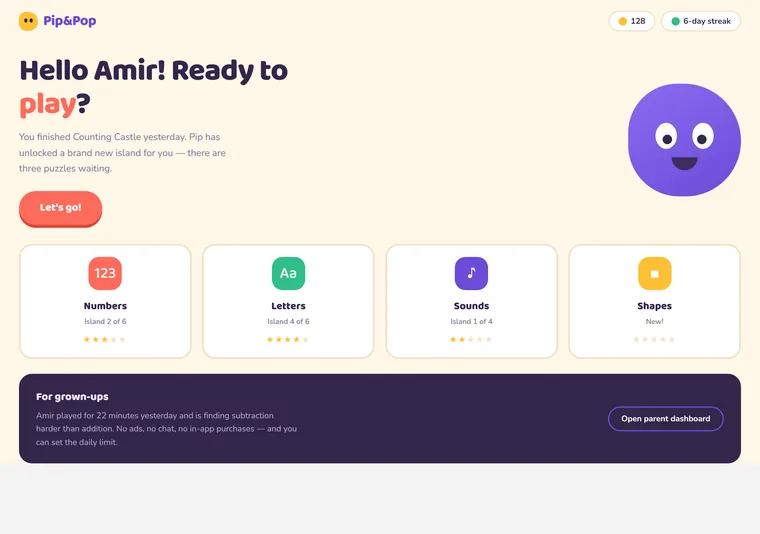
Children's app
Big rounded targets, a mascot and rewards instead of grades. Designed for a seven-year-old's finger and a parent's approval.
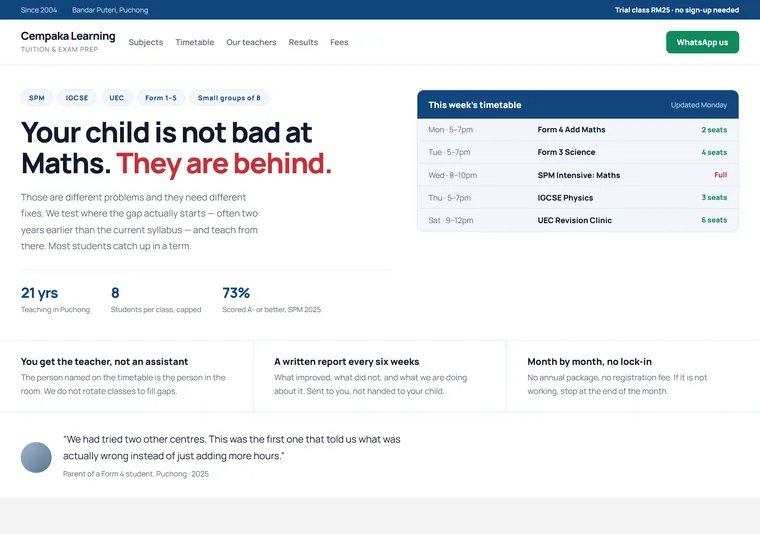
Tuition centre
Timetable, exam boards and a WhatsApp enquiry above the fold. For a local centre whose buyer is a parent comparing three of them.
Organised around what the visitor already knows — the name, the street, the date, the job, or nothing at all.
These are designs, not working software. See a prototype you can actually click →
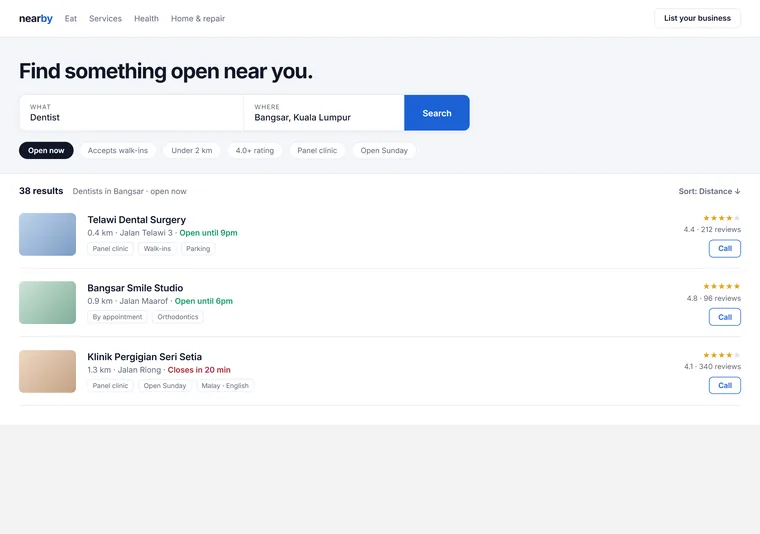
Search-first
One dominant search field, filter chips and dense result rows. For a listing site where the visitor already knows what they want.
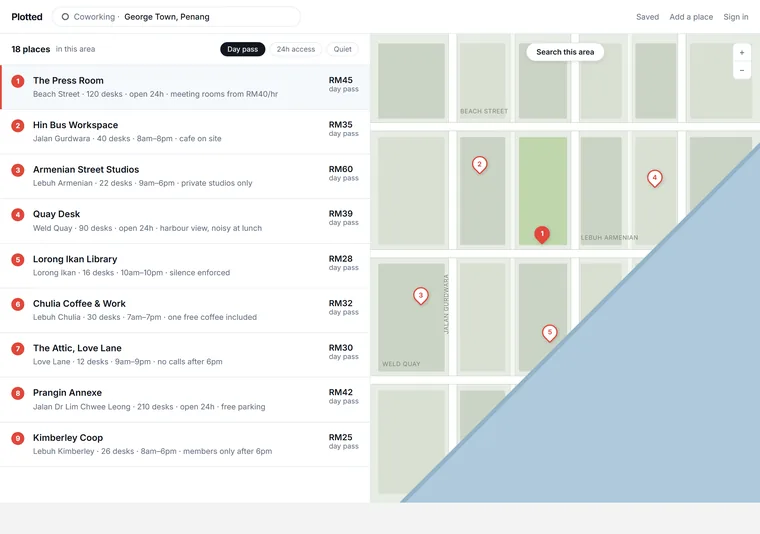
Map-led
A split screen: pins on the left of the eye, cards under the thumb. For a directory where the answer is really a location.
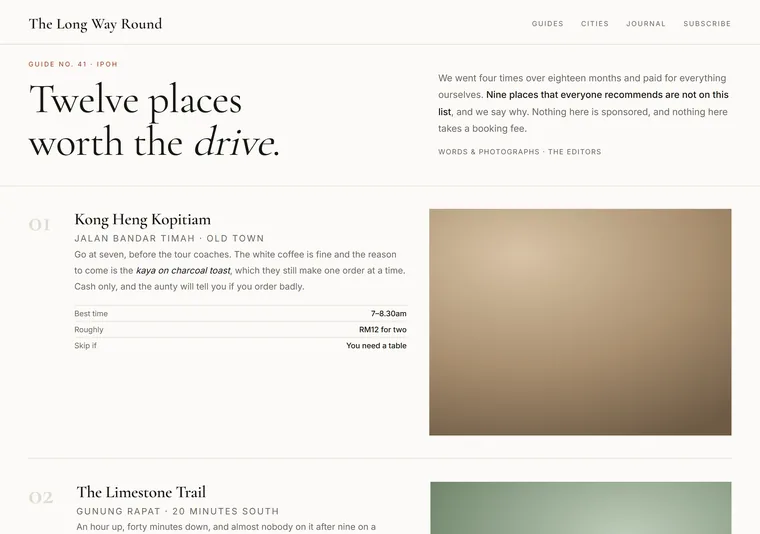
Curated guide
Numbered entries, big pictures and an editor with opinions. For a directory that sells taste rather than coverage.
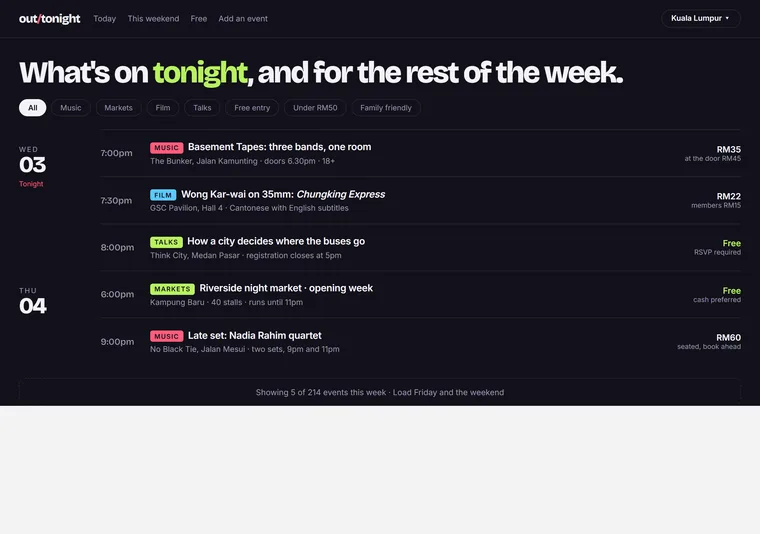
What's on
Organised by date instead of category, with a day rail down the side. For listings whose whole value is that they are current.
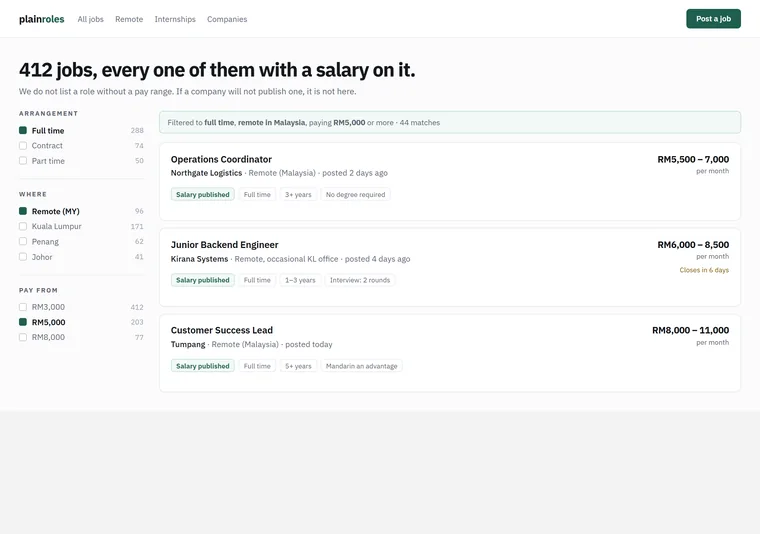
Job board
Salary in the row, filters that mean something, and no logo wall. For a board judged on whether the listing tells you enough to skip it.
One job, one action — what varies is how hard the page pushes, from a single email field to an argument that answers every objection first.
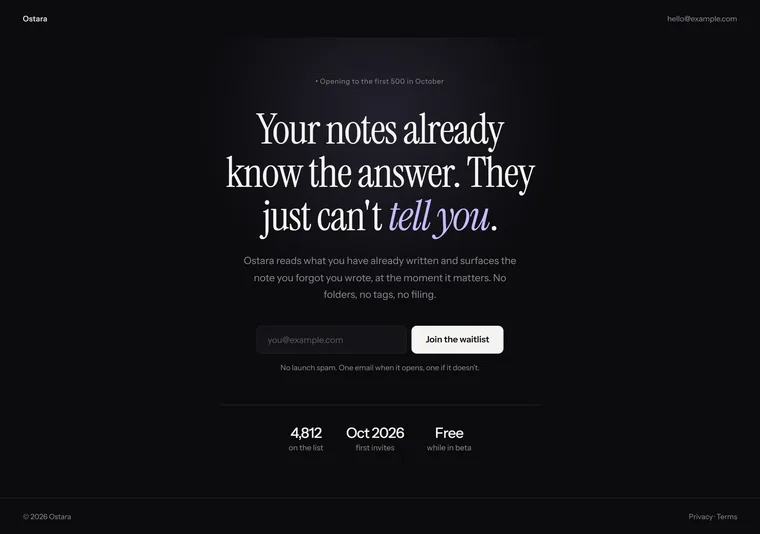
Pre-launch waitlist
One sentence, one field, nothing else. For a product with no proof yet, where anything more than the promise invites doubt.
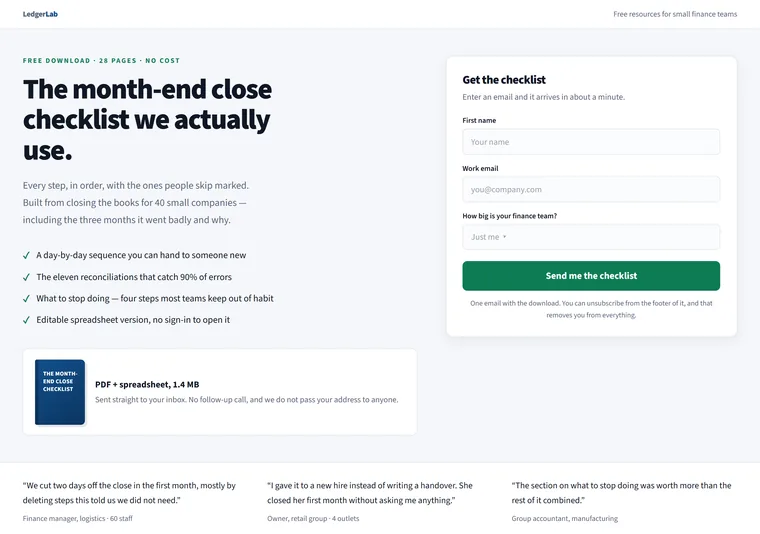
Lead magnet
Something free on the left, a short form on the right, proof underneath. The workhorse shape for turning cold traffic into a mailing list.
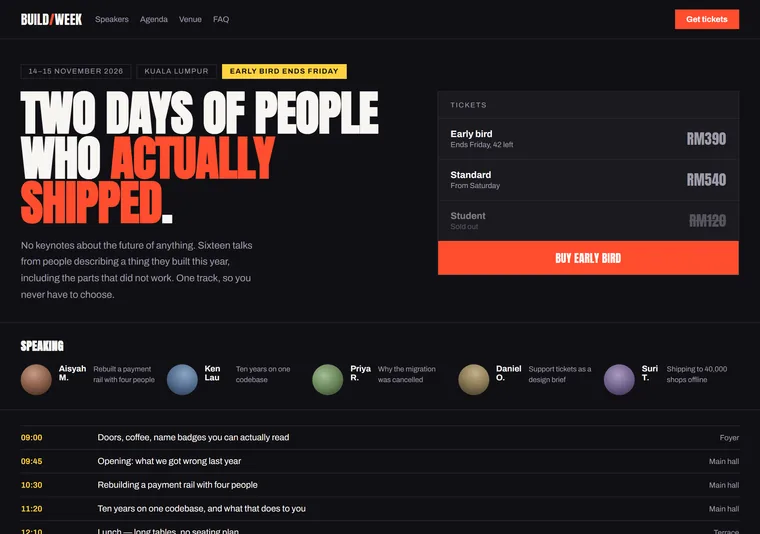
Event
Date, city and price decided in the first screen, then speakers and agenda. For a page whose whole job is selling a ticket before the reader scrolls twice.
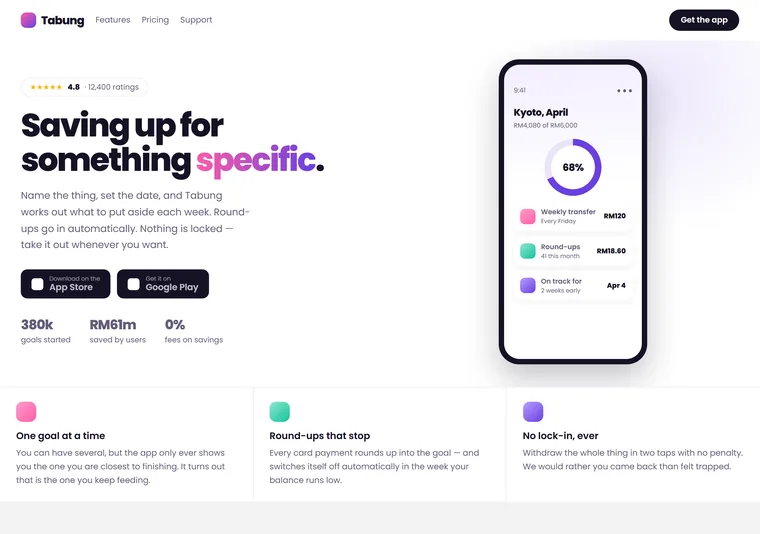
App download
A phone you can see, two store badges and a rating. For a consumer app where the only decision is whether to tap install.
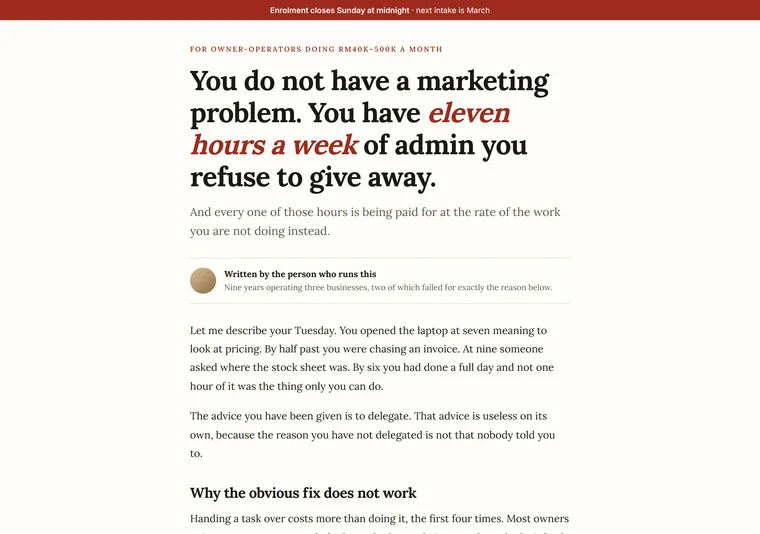
Long-form pitch
A page that argues its case at length, answers the objections and asks at the end. For an expensive thing sold to a sceptical reader who needs the whole story.
Five answers to which decision comes first: the practitioner, the table, the dates, the class, or the price.
These are designs, not working software. See a prototype you can actually click →
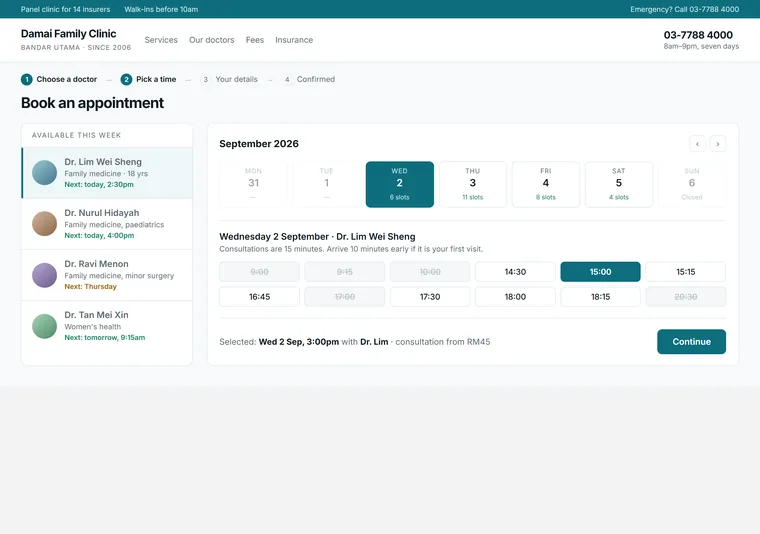
Clinic
Pick the practitioner, then the slot. Calm, clinical and legible, for an appointment where the person matters more than the hour.
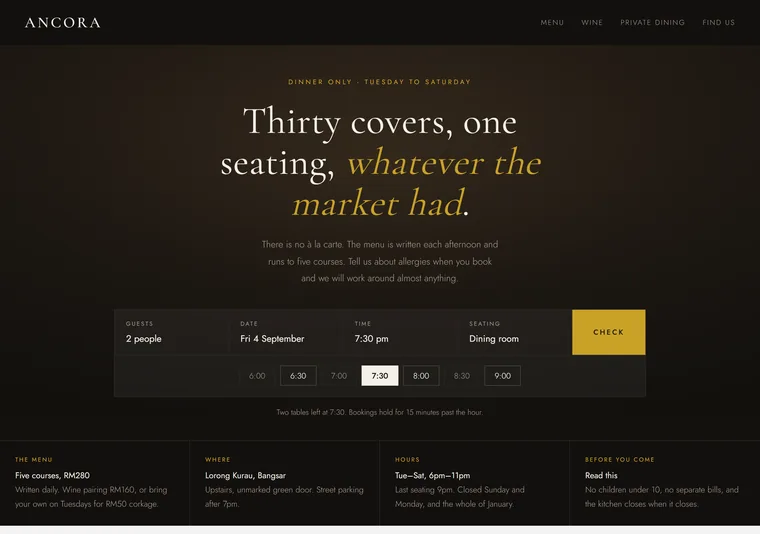
Restaurant table
Party size, date and time in one bar over a dark photograph. For a reservation decided on atmosphere before availability.
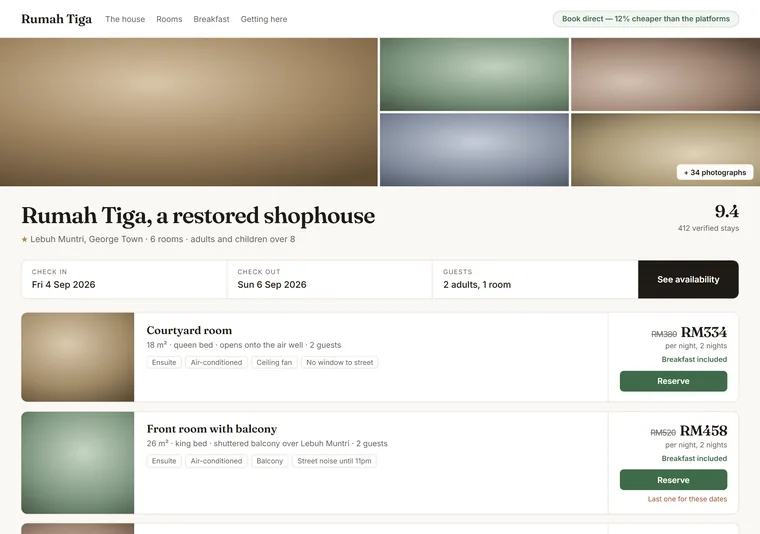
Stay
Dates first, then rooms with real rates and what is included. For a property competing against a booking platform on its own site.
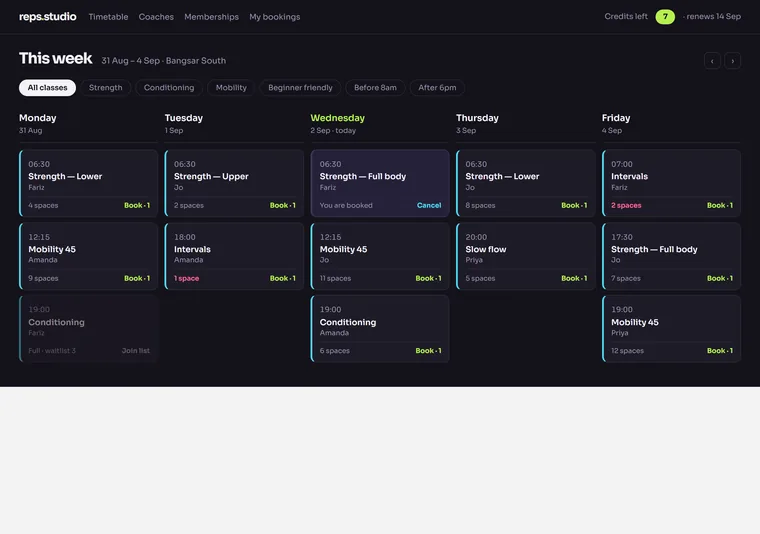
Class timetable
A week at a glance, spaces left on every class, and credits rather than prices. For a studio whose members book the same slot again and again.
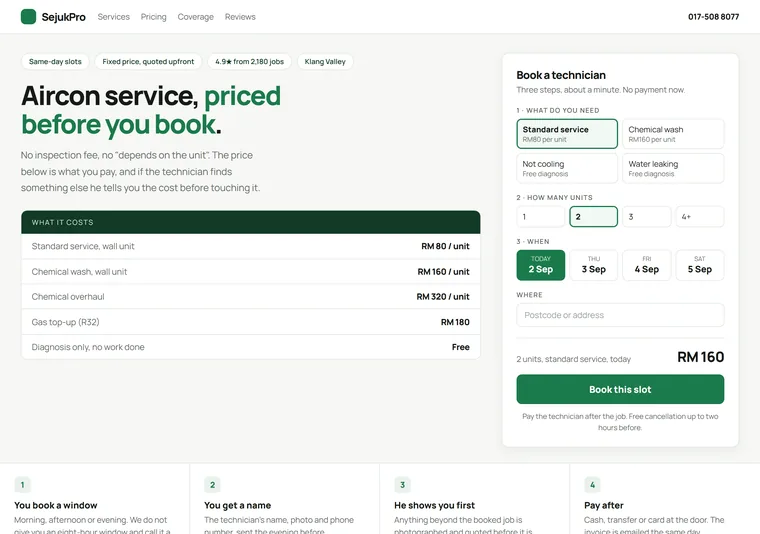
Service call-out
Price shown before the form, then service, date and address. For a job where the visitor's real question is what it will cost.
Shaped by the work, not the brand: watching numbers, moving things through stages, editing many rows, answering a queue, and doing the job away from a desk.
These are designs, not working software. See a prototype you can actually click →
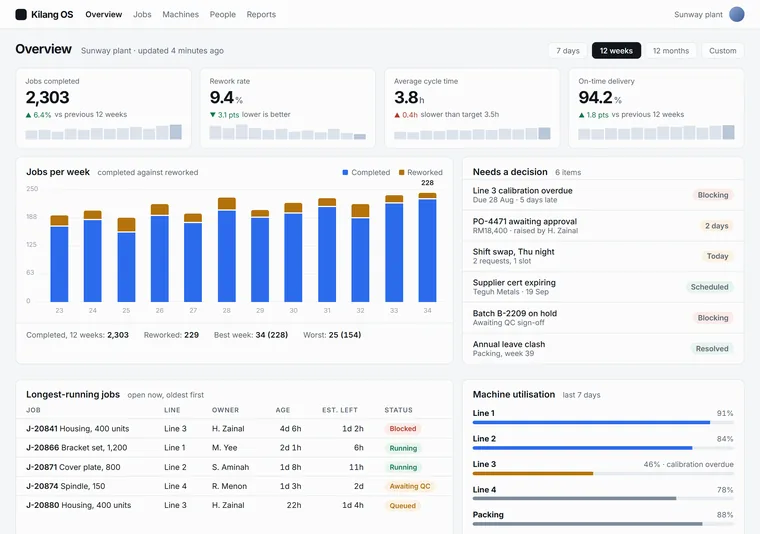
Operations dashboard
The numbers someone checks every morning, in the order they check them. Restrained on purpose — a dashboard that decorates is a dashboard nobody trusts.
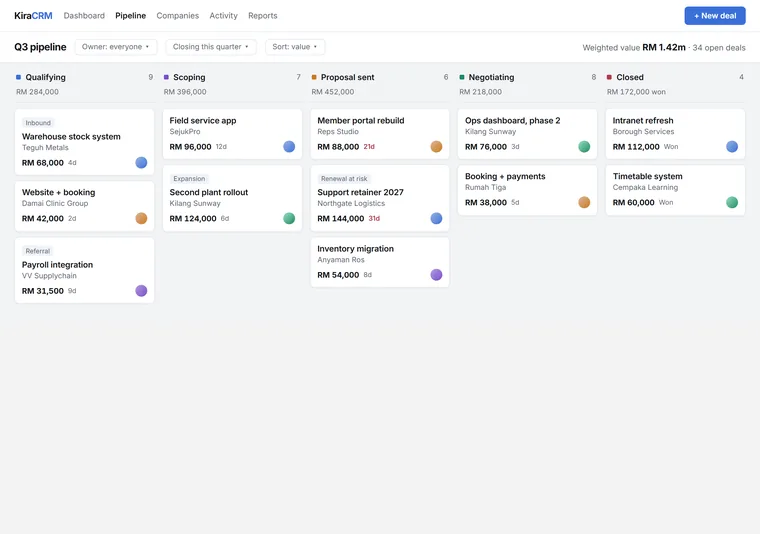
Pipeline board
Columns you drag things across, with the total at the top of each. For work whose only real question is what stage it is at.
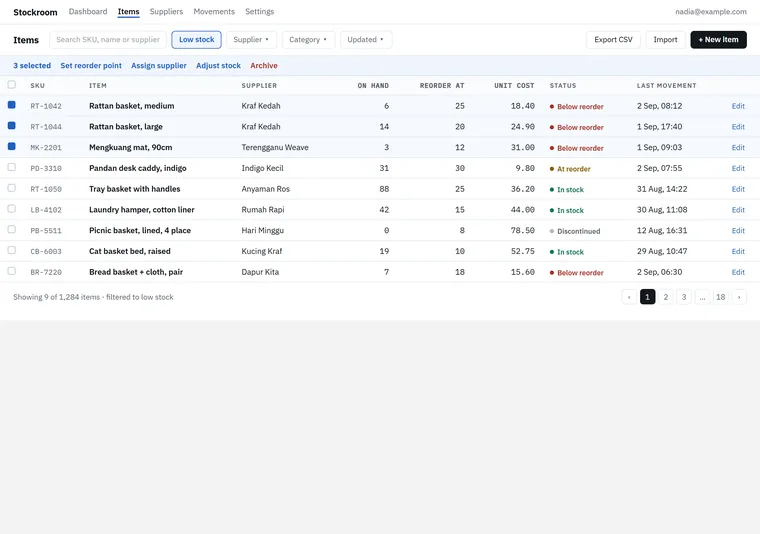
Records table
The one that replaces a spreadsheet: dense rows, real filters, bulk actions and nothing decorative. Judged on how fast you can find and fix one row.
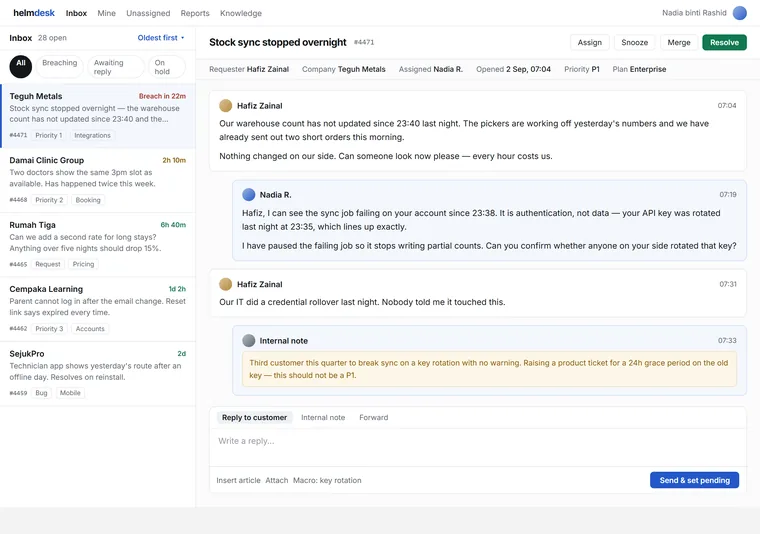
Support queue
A list on the left, one conversation on the right, a clock on everything. For work that arrives faster than it is finished.
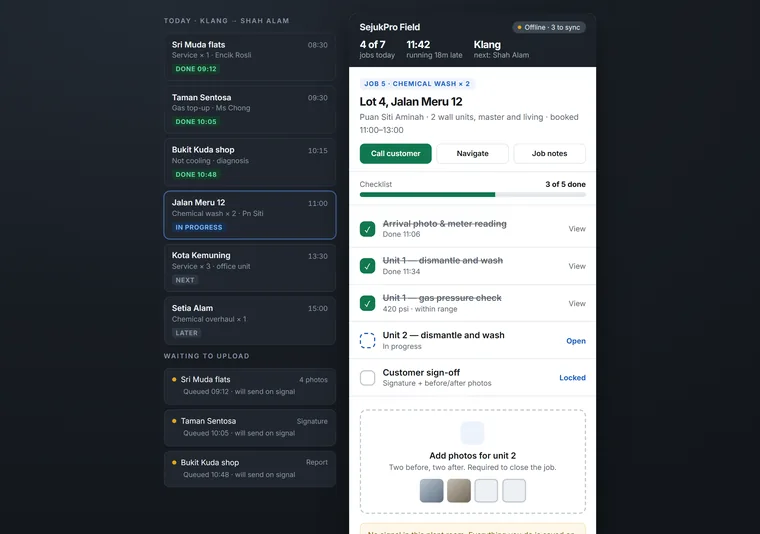
Field tool
One job, one thumb, one hand — built for someone standing in a plant room with no signal. On a wide screen the day's route and the sync queue sit either side of it.
None of these is your website
Tell me who you sell to and what you need them to do. The direction follows from that — and if one of these is close, say which one.
Message me on WhatsApp
Social network
What sits in the middle decides everything: the newest post, the argument, whoever is talking right now, one person, or the picture.
Feed
Composer at the top, cards below, a rail either side. The familiar shape, done cleanly — for a network people check rather than read.
Community forum
Threads, categories and reply counts. Dense and deliberately unglamorous, for a community whose value is the archive.
Live rooms
Who is talking right now, in colour. For a network where the content is live and disappears — the design has to say hurry.
Profile-first
One person as the whole page: cover, bio, tabs and proof. For a network where members are the product and the profile is the pitch.
Photo grid
Edge to edge pictures on near-black, with the interface almost removed. For a network where anything but the image is noise.